
Our very own Roger (GW6HRU) gave a well received presentation for Novembers Last Thursday of the Month talk on using an Arduino to control single LED’s, LED matrix’s and LED strips. Arduino’s of course, as well as other micro-controllers such as the Raspberry Pi Pico, and the ubiquitous ESP32 and ESP8266 can also be used for more advanced control, but the Arduino is a great place to start.
Roger demonstrated how to write a short piece of code using the Arduino IDE (Integrated Development Environment) to control several LED’s connected to a few of the pins of the Arduino. We will include that code here once he’s forwarded it.
IDE – is short for: Integrated Development Environment – and is one of many types of software application that allows you to write your own code, develop your own apps, and upload them to devices. For his demonstration Roger used the Arduino IDE.
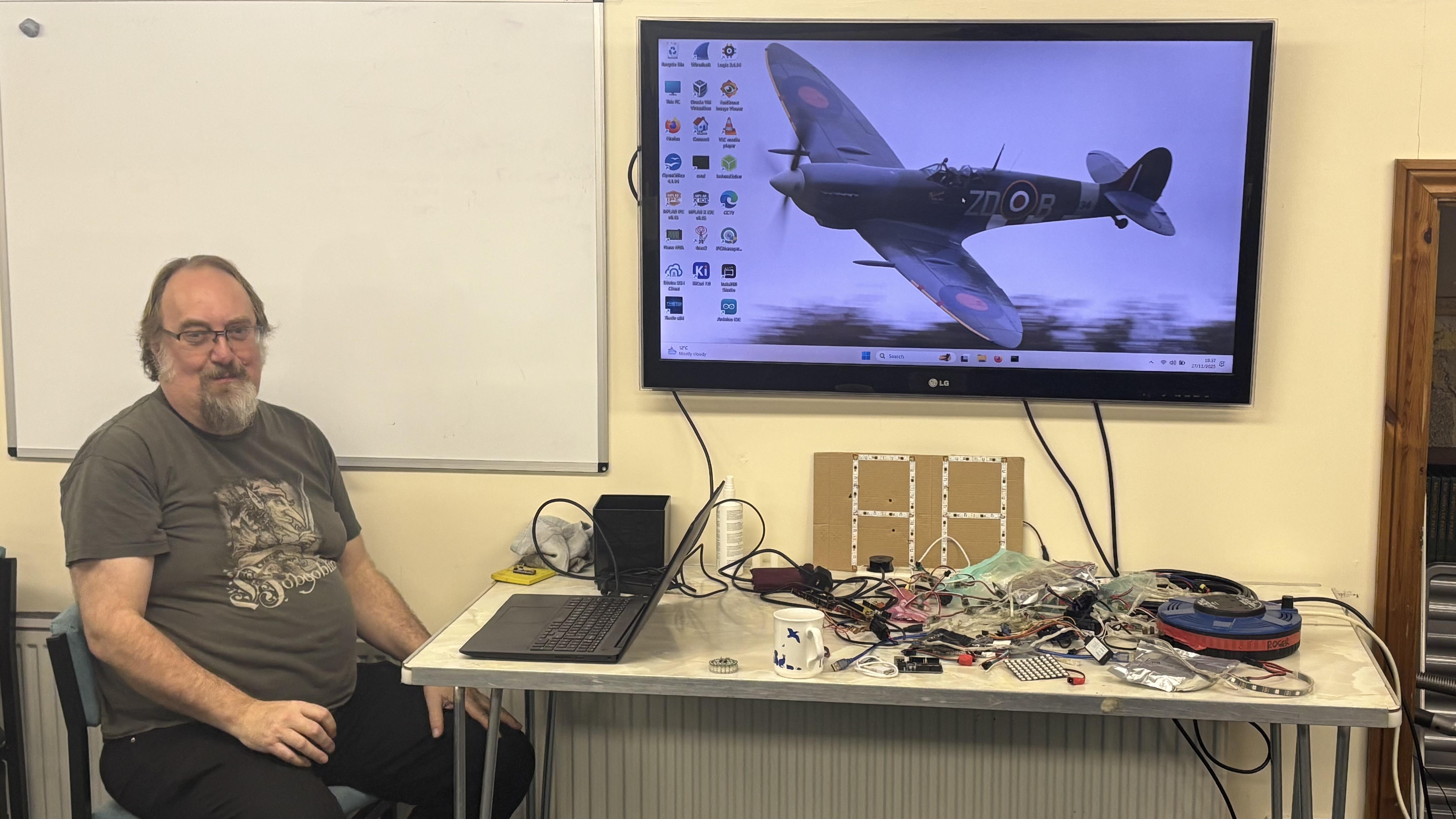
We did think he was going to tell us about his days in the back seat of a Spitfire, sadly that wasn’t the case! Instead he brought an array of LED strips, Arduinos and microcontrollers for members to have a look at.
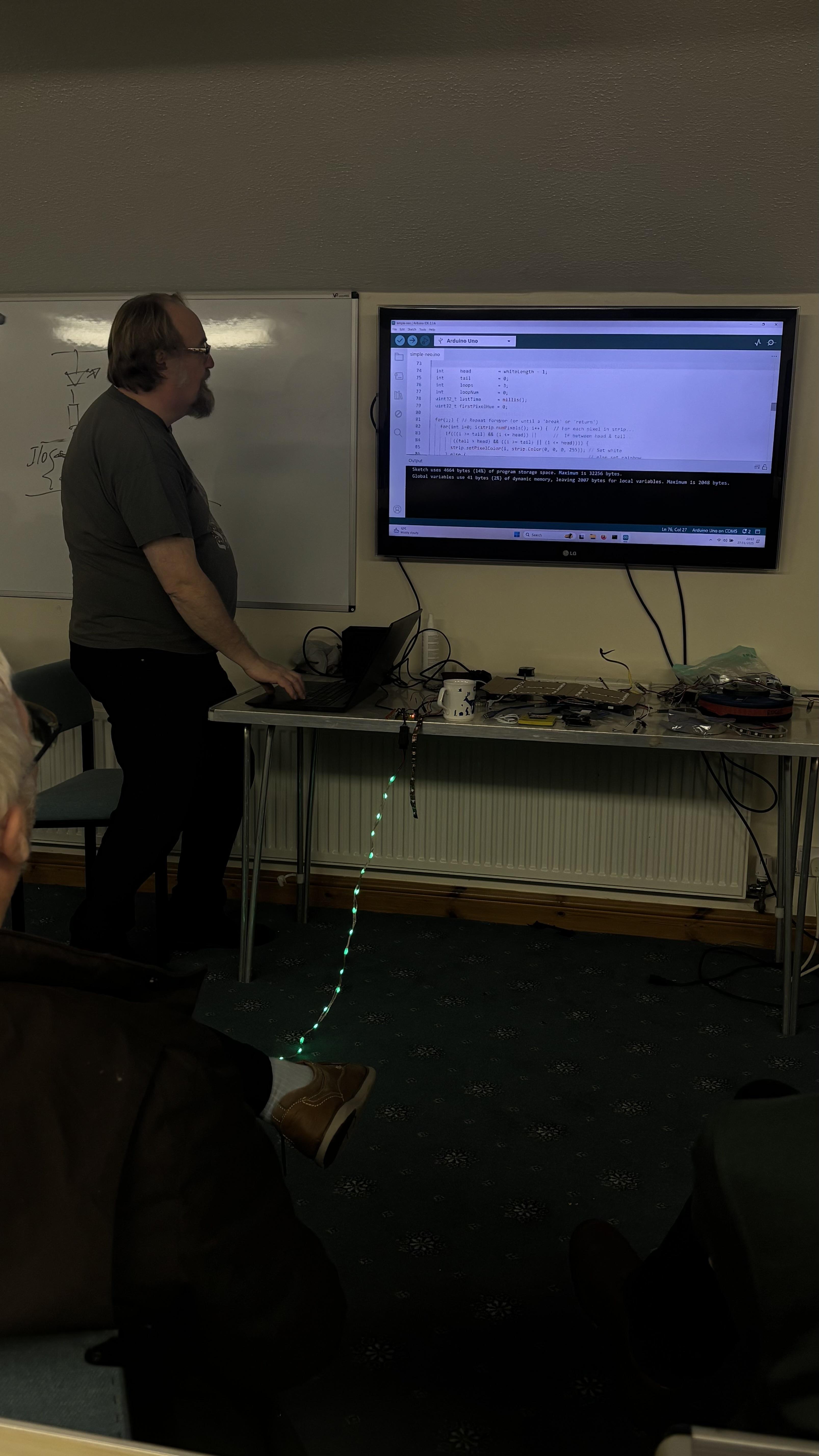
Roger went on to demonstrate something members found quite remarkable… how to control a strip of LED’s using just one of the output pins of an Arduino, using code provided in manufacturer libraries, and PWM (Pulse Width Modulation). Fascinating stuff for sure.
Thanks Roger, for an interesting demonstration, hopefully it will have inspired members to look further into coding and using an Arduino. If anyone wants to dive into this fascinating subject, and wants help & assistance to get going, we have several members of NARS who are proficient and could help in at least an introduction to coding using Arduinos etc. We could continue with a repeat of the introduction to coding demo a year or so ago, or perhaps do something on Discord. Simply ask one of the committee members and we’ll get it sorted.